TeaVOX+ trial
The full vocal chain, including Tealy and Advanced controls. Online AI providers still use your own key and may charge separately.
Your voice.
More possibilities.
Shape a vocal with TeaVOX+. Turn a hummed idea into MIDI with TeaMIDI. Start free with TeaVOX Lite, or try every feature in TeaVOX+ and TeaMIDI for seven days.
FIND YOUR NEXT TOOL ↓Describe your sound. Find a starting point. Make it yours.
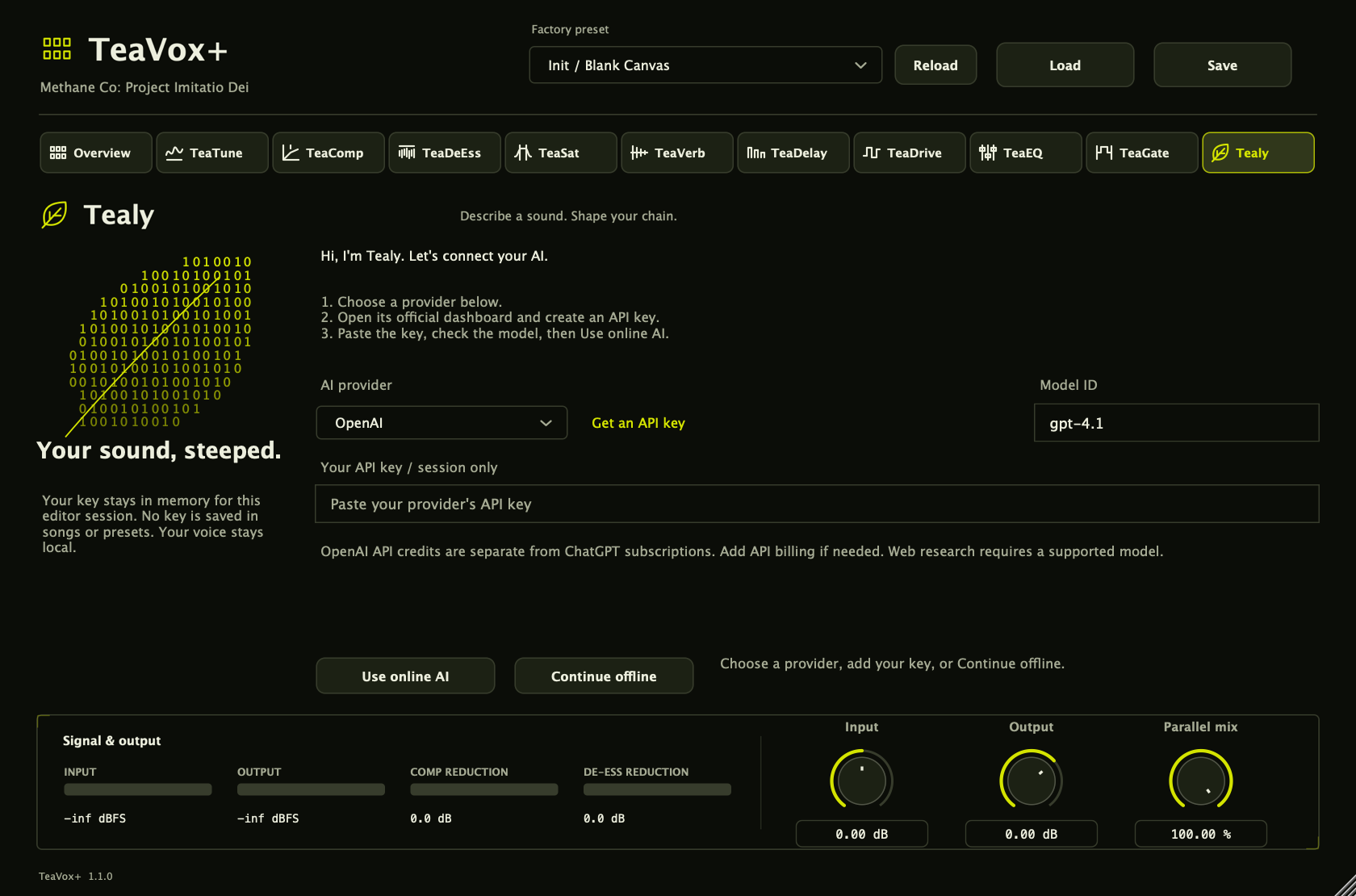
Tealy lives inside TeaVOX+. Describe an artist, an era or the texture you want; review the suggested controls before applying them. Start with free offline suggestions, or connect a supported AI provider.
CHOOSE YOUR PROVIDER ↓Free forever.
No key. No countdown.
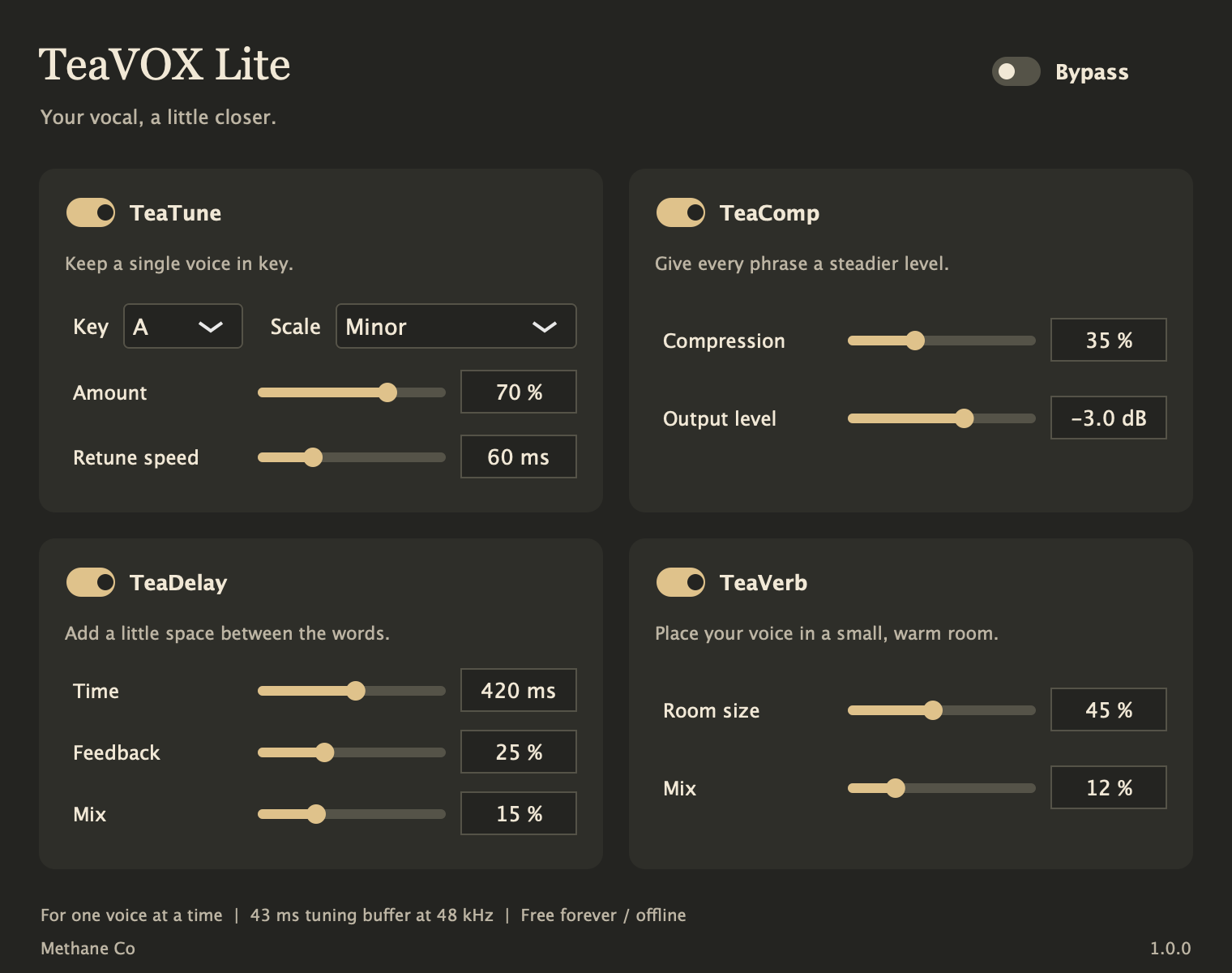
TEAVOX LITE 1.0.0 / FREE FOREVER
Four useful effects. Just the controls you need. Bring a vocal into tune, keep its level steady, add an echo and find a little room.
A separate, simpler plugin built to do less work. No Tealy, account or activation required. Installs alongside TeaVOX+.
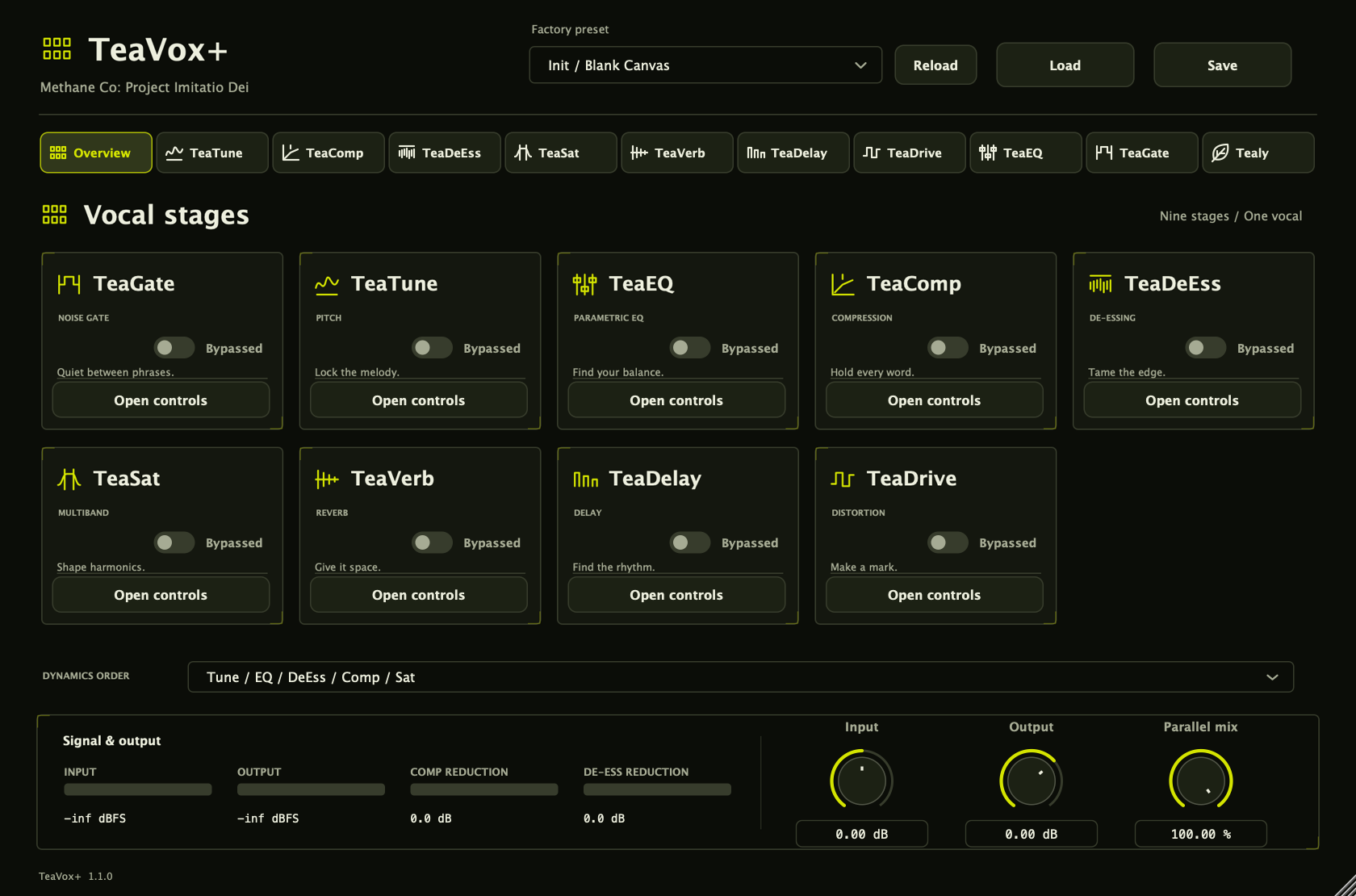
TeaVOX+ & TeaMIDI 1.1.0
Seven days per plugin.
Download free. Open the plugin, then press Start trial when you’re ready. You get every feature for seven calendar days. No card or purchase needed.
The full vocal chain, including Tealy and Advanced controls. Online AI providers still use your own key and may charge separately.
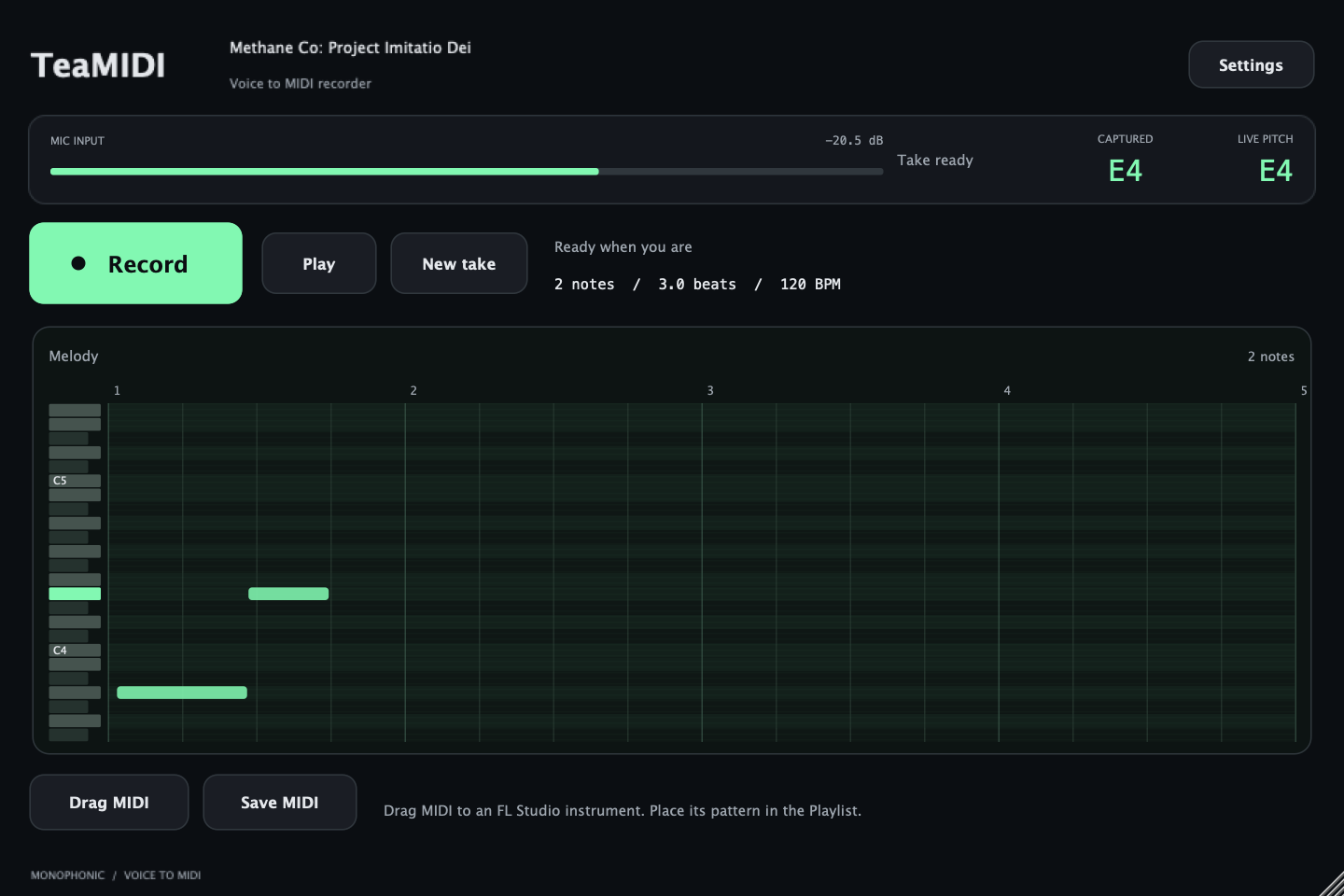
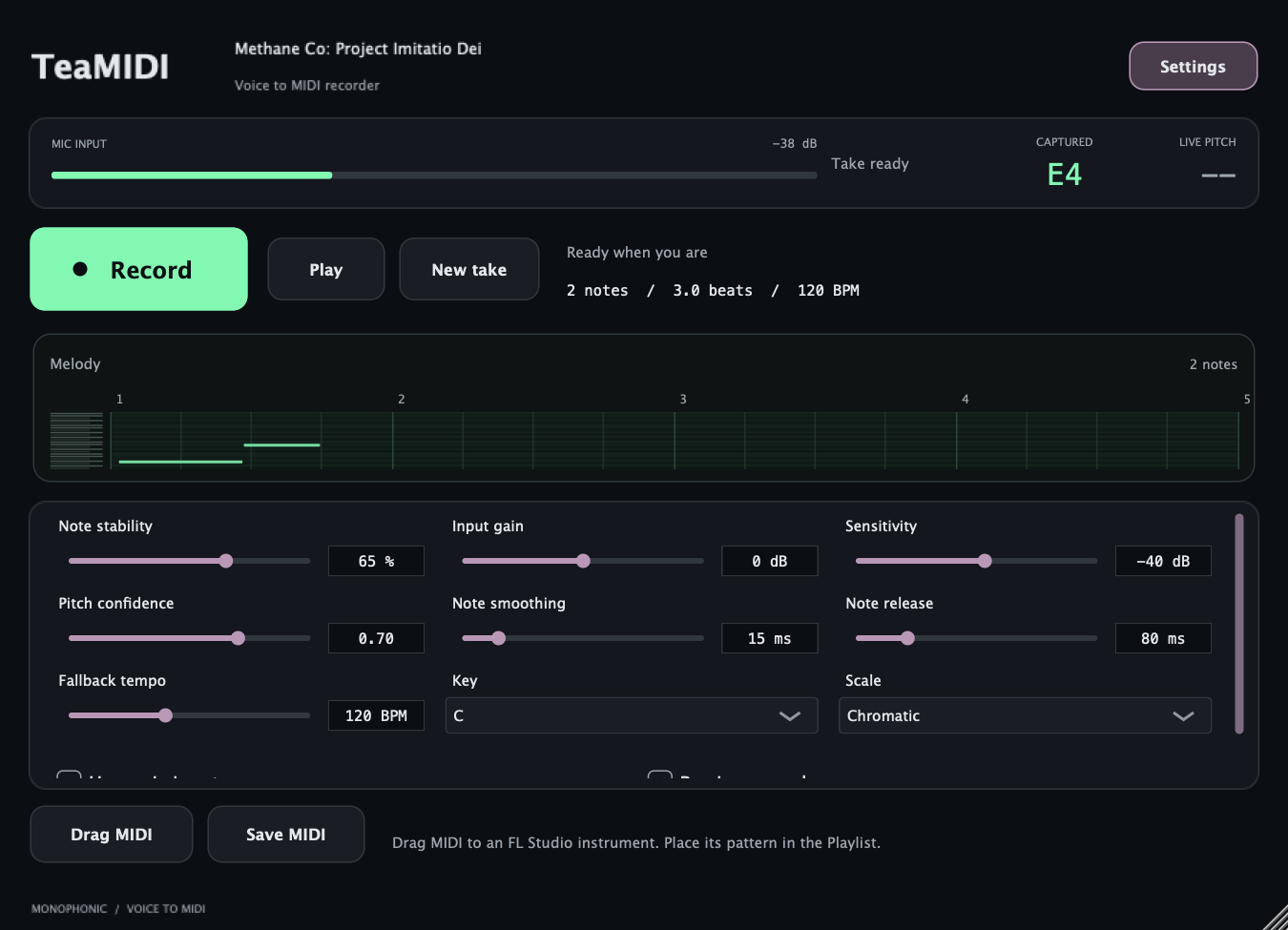
Sing or hum, record your melody, refine the notes and export MIDI. One note at a time; instrument sounds come from your own instruments.
Mac builds are locally signed, not notarized. Follow your operating system’s normal installation prompts. Windows and Linux builds are experimental; target-device compatibility testing is still limited. Paid owner licenses continue working. Lite remains free forever.
Version 1.1.0
One-time prices in USD.
Test checkout is being prepared. The public release is coming soon; live payments are disabled.
$40USD / once
Give your next vocal a place to come together. A nine-stage chain brings pitch correction, dynamics, tone and space into one interface, with Essentials and Advanced controls when you want to go deeper.
Try every effect for seven days. Tealy’s online providers use your own API key and may charge separately.
$30USD / once
Keep the melody before it disappears. Sing or hum one note at a time, capture the notes, then use the MIDI with your own instruments.
A separate voice-to-MIDI tool. Load it on an audio or microphone track; route the MIDI to an instrument or export a take. Monophonic input: one sung note at a time.
A bundle of two separate plugins.
TeaVOX+ and TeaMIDI, together.
TeaSUITE includes these two separate plugins, together.
Download either trial free above. Paddle handles secure checkout and your payment receipt. Methane Co. emails your activation key and signed license after payment capture. Refund requests: 14 days via support@methaneco.in.
Returning from checkout?
We’ll verify your receipt here.
Already purchased? Paste the license key from your email. Your key stays in this page’s memory and is sent only to validate your purchase and prepare your download.
After activation, the signed offline license works without a connection during playback. An emailed key can also activate a manually installed official build. Test purchases do not unlock production plugins.
These tools are AGPL-licensed and built with JUCE. Corresponding source and notices for previously distributed releases remain available.
Offline suggestions run without an account or an API charge. Online AI needs a key from a supported provider. Available models, free quotas and billing depend on that provider; free access is limited.
TeaVOX+ supports the providers above and compatible custom HTTPS endpoints. OpenAI API usage is billed separately from ChatGPT. Check each provider’s current terms and limits. A custom endpoint requires an OpenAI-compatible API; a key for an unrelated service will not work.
Tools from the same room as the music.
TALK TO ICBIRAY